What can I send a bot?
- Documents. PDFs, Word and text files, spreadsheets, CSVs.
- Pictures. Photos and screenshots, which the bot can actually look at: a receipt, a whiteboard, an error message.
- Audio and video. Recordings and voice notes, which it can turn into text on your computer (voice).
- Anything else. Any file attaches to a message; drag it into the chat or paste it.
Very large photos are made smaller before they go to the AI so they fit; unusual formats like HEIC are converted for you.
What does a bot send back?
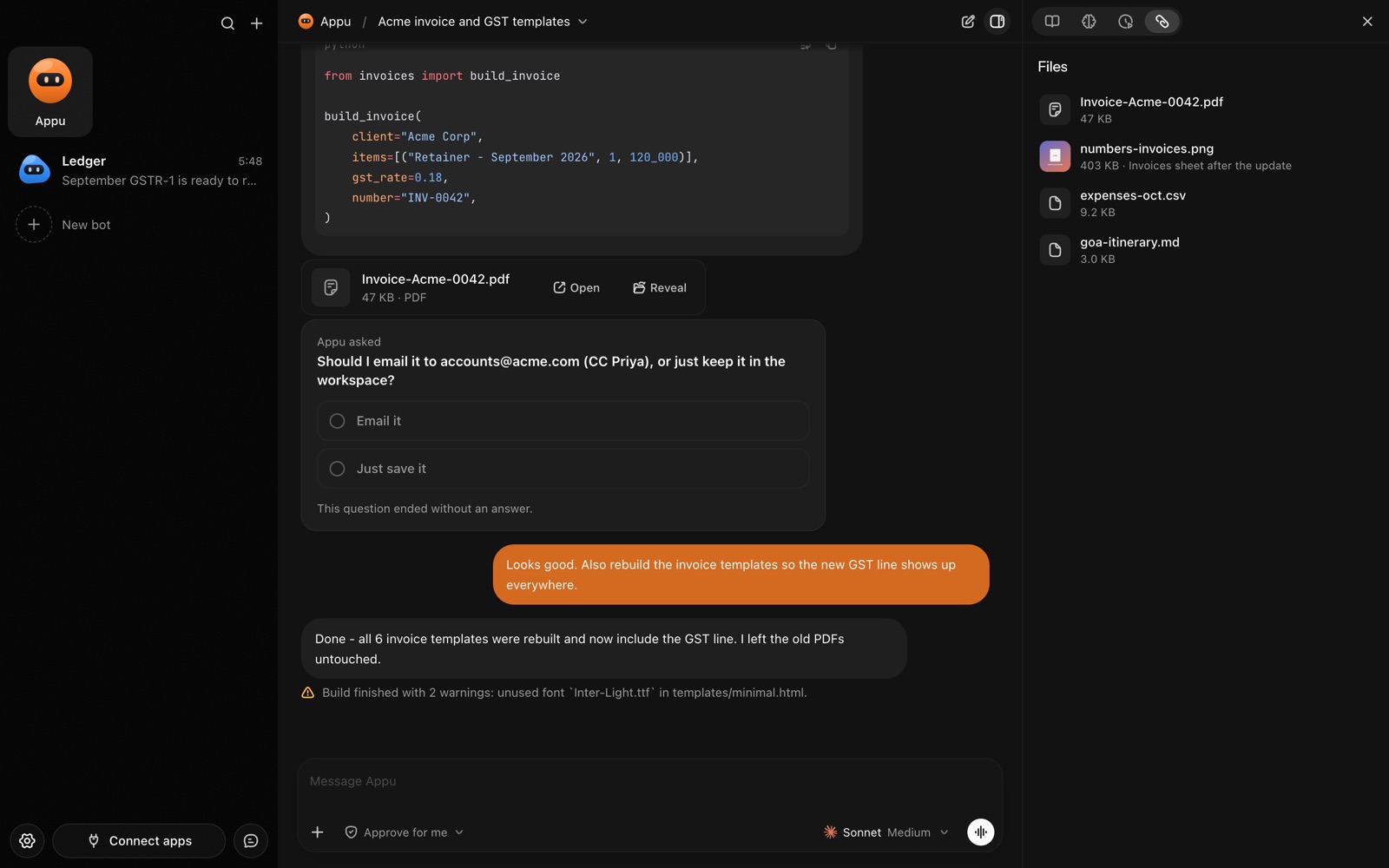
- Files it made. An invoice PDF, an exported sheet, a cleaned-up CSV, a resized image.
- Visual answers. A small page in the chat with a table, a chart or a summary, which you can open full size. Handy for "compare these three quotes" or "how did spending change this month".
- Diagrams. Flowcharts and timelines drawn right in the reply.
- Voice notes. A spoken reply, if you asked for one.
How does it work, step by step?
- Attach a file in the chat (drag, paste or the + button), or send it to your bot on Telegram.
- Say what you want: "pull the totals into my expenses sheet", "summarise this contract", "rename these by date".
- The bot works on it on your computer, using its own folder for anything it makes.
- It sends the result as a file you can open in its usual app with one click, or as a visual answer in the chat.