
What is Codex?
Codex is OpenAI's coding agent. It works on your files, runs commands and carries a task through, and OpenAI offers it in the terminal, in code editors, on the web and in its own desktop app. Like Claude Code, it was made for software work and is capable well beyond it: anything that can be done with files and steps on a computer.
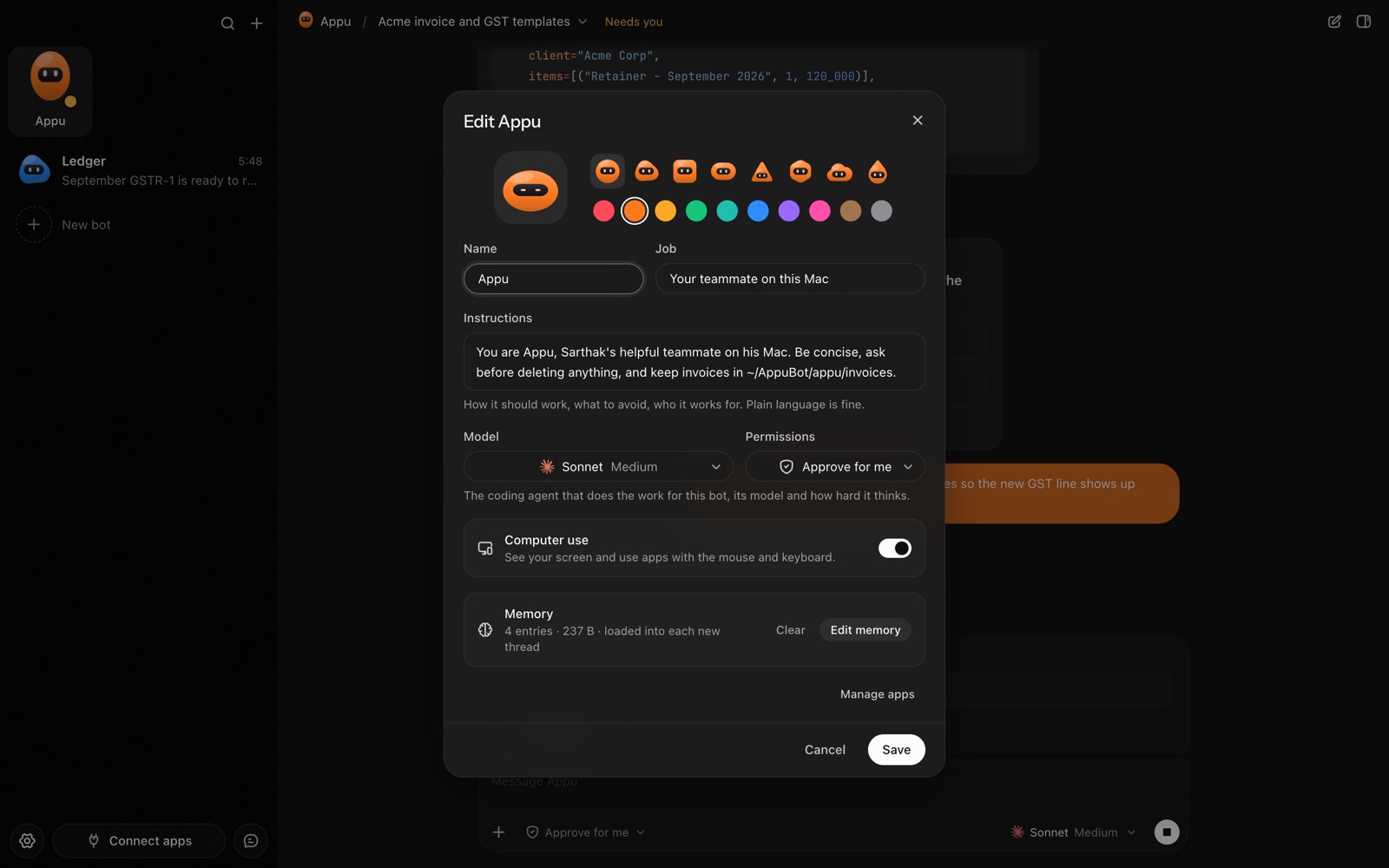
In AppuBot, Codex is the engine behind a bot. You give the bot a name, a job and instructions, and Codex does the thinking and the work.
Which ChatGPT plans include Codex?
OpenAI's Codex pricing page lists Codex on ChatGPT Free, Go ($8 a month), Plus ($20 a month), Pro (from $100 a month, with $100, $200 and $500 tiers), Business ($20 per user a month billed yearly, $25 monthly) and Edu and Enterprise. Higher plans come with more usage.
AppuBot signs in the way Codex does: with your ChatGPT account, so your bots draw on your plan's included usage rather than paid API rates. AppuBot's Settings › Usage shows how much Codex was used on this computer, read locally.
How do I set up Codex in AppuBot?
- Download AppuBot and open it.
- If Codex isn't installed, Settings › Agents shows OpenAI's installer for it.
- Sign in with ChatGPT once. Codex opens your browser; pick your ChatGPT account. Already signed in to Codex on this computer? Nothing to do.
- AppuBot shows Codex as ready. Pick it for a bot, then choose a model and how hard it thinks.
- Start a chat. The bot is now Codex with a name, a job and a memory.
AppuBot runs your own copy of Codex, so its updates reach your bots. AppuBot also checks for new versions and can install them for you.

