Skip to content

Schedule AI tasks to run on their own

A task on a schedule: every hour, weekdays at 9 or monthly, quietly or with a notification.

By Sarthak Gupta · Updated

The short answer

A routine in AppuBot is a message a bot gets on a schedule you pick: every hour, every day, weekdays at 9, certain days or once a month. When it's time, the bot does the task on your computer, with its apps, files and memory, and either tells you with a notification or works quietly in its chat. You can make routines yourself or ask a bot to set one up, and it asks for your OK first.

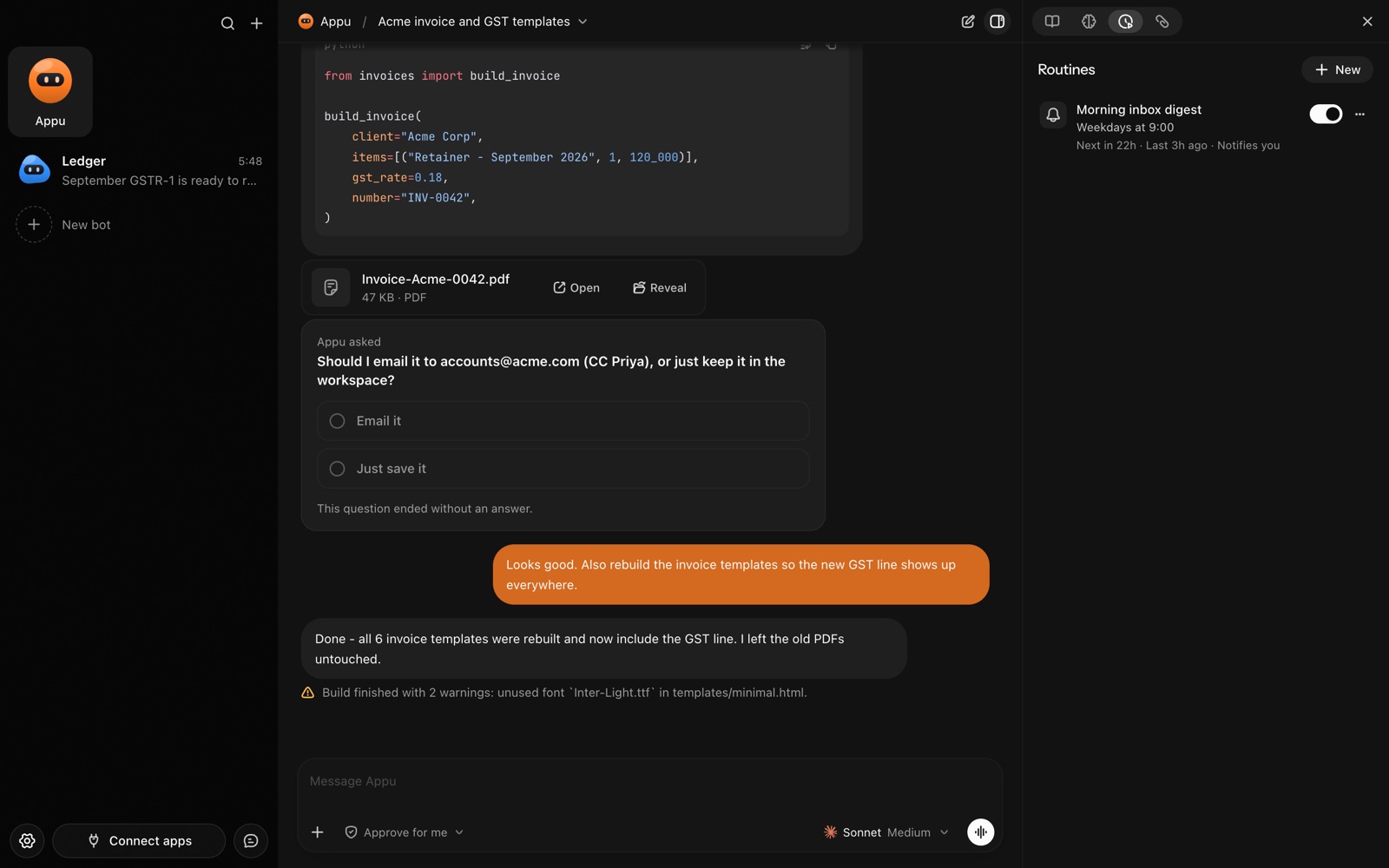
The Routines panel in AppuBot with a weekday 9:00 inbox digest
A routine: a job that runs on its own schedule.

What can a routine do?

  • Morning briefing. Weekdays at 8:30, summarise new email and today's calendar (chief of staff bot).
  • Inbox sweep. Every hour, label and archive newsletters and flag anything from clients (inbox manager).
  • Month end. On the 1st, export last month's invoices to a PDF and file it (accounting bot).
  • Watch something. Every evening, check a few pages for price or news changes and report only what changed (research bot).
  • Expenses. Fridays at 5, collect receipts from email into your expenses sheet (expense manager).

How do I make a routine?

  1. Open the bot and add a routine, or just tell it: "every weekday at 9, send me a summary of my inbox".
  2. Write what it should do, the way you would ask it in chat.
  3. Pick how often: every hour at a set minute, every day, weekdays, certain days of the week, monthly, or a custom schedule.
  4. Choose whether it notifies you or runs quietly. Quiet routines still tell you if something fails.
  5. Turn it on. A bot that suggests a routine waits for your "Allow" before it starts.

Where do the results go?

To the bot's current chat, in the app, where you can read what it did and reply to it. If it made a file, the file is there too. A routine with notifications pings you on your computer when it's done; check from Telegram with /routines to see what's scheduled.

Routines work best combined with the rest of AppuBot: a skill you taught it for the steps, connected apps for email and calendars, computer use for apps that have no other way in.

What do I need to keep running?

Routines run on your computer in its local time, so it needs to be on with AppuBot open (it can sit in the menu bar). On a Mac, AppuBot can keep the computer awake, even with the lid closed, so night-time routines still run.

Writing a routine that works well

Write the prompt for the day it runs, not the day you make it. "Summarise the email that came in since yesterday's summary" works every morning; "summarise my email" may repeat itself. Say what to do when there's nothing to report ("if nothing is new, just say so") and what the output should be: a short message, a file, a row in a sheet.

Start with notifications on, so you see the first few runs, then switch it to quiet once you trust it. A quiet routine still alerts you when it fails, and you can always read what it did in the chat. If a routine needs to act in your accounts, keep the bot on Approve for me at first: the run waits for your OK on those steps.

Questions

Can a routine send me the result on Telegram?

A routine's results go to the bot's chat in the app with a notification; ask on Telegram with /routines to see them, or have the routine send a message through a connected app.

Can AppuBot run a task every day automatically?

Yes. Make a routine on the bot, pick every day and a time, and it runs on its own from then on.

What happens if my computer was asleep at that time?

The routine needs the computer awake to run. On a Mac, turn on Keep awake in AppuBot so it doesn't sleep.

Can a bot create routines by itself?

It can suggest and set one up, but a new routine, a new prompt or schedule, and turning one on all wait for your Allow.

Do routines cost extra?

No. AppuBot is free during early access; each run is ordinary use of the bot's AI plan.

Can a routine use my other apps?

Yes. A routine is an ordinary task for the bot, so it can use computer use, connected apps like Gmail or Sheets, and the skills you taught it.

Meet your first bot

An AI teammate that works on your Mac, and tells you on Telegram