What can a bot do in my apps?
Anything you'd do with a mouse and keyboard in a window. Plenty of everyday work lives in apps that have no other way in: your accounting software, a supplier's web portal, a spreadsheet, a settings screen. Computer use lets a bot do that work where it already happens, instead of asking you to move it somewhere the AI can reach.
- Fill in forms. Copy an order from an email into your shop's admin page, field by field.
- Work in spreadsheets. Add this month's invoices to a sheet in Numbers or Excel and export it as a PDF.
- Use websites like you do. Sign in to a portal you already use in your browser, download the statement, file it in the right folder.
- Check your own app. Try the sign-up flow the way a user would and write down what broke (QA tester bot).
How does computer use work?
- Turn on computer use for a bot in its settings, and give AppuBot the permissions your computer asks for (on a Mac: Accessibility and Screen Recording, in Settings › Permissions).
- Ask for a task in plain words, in the app or from Telegram.
- The bot opens the app and gets a picture of its window with every button and field named, so it can aim at "Export" rather than guess at pixels.
- It plans several steps and does them in one go (click here, type this, press that), then looks once at the result to check it worked.
- It tells you what it did and sends you anything it made: the PDF, the export, a screenshot.
Doing several steps between looks is what keeps it fast: each time the AI has to think costs a few seconds, so the bot thinks less often and acts more per turn.
Will it take over my mouse?
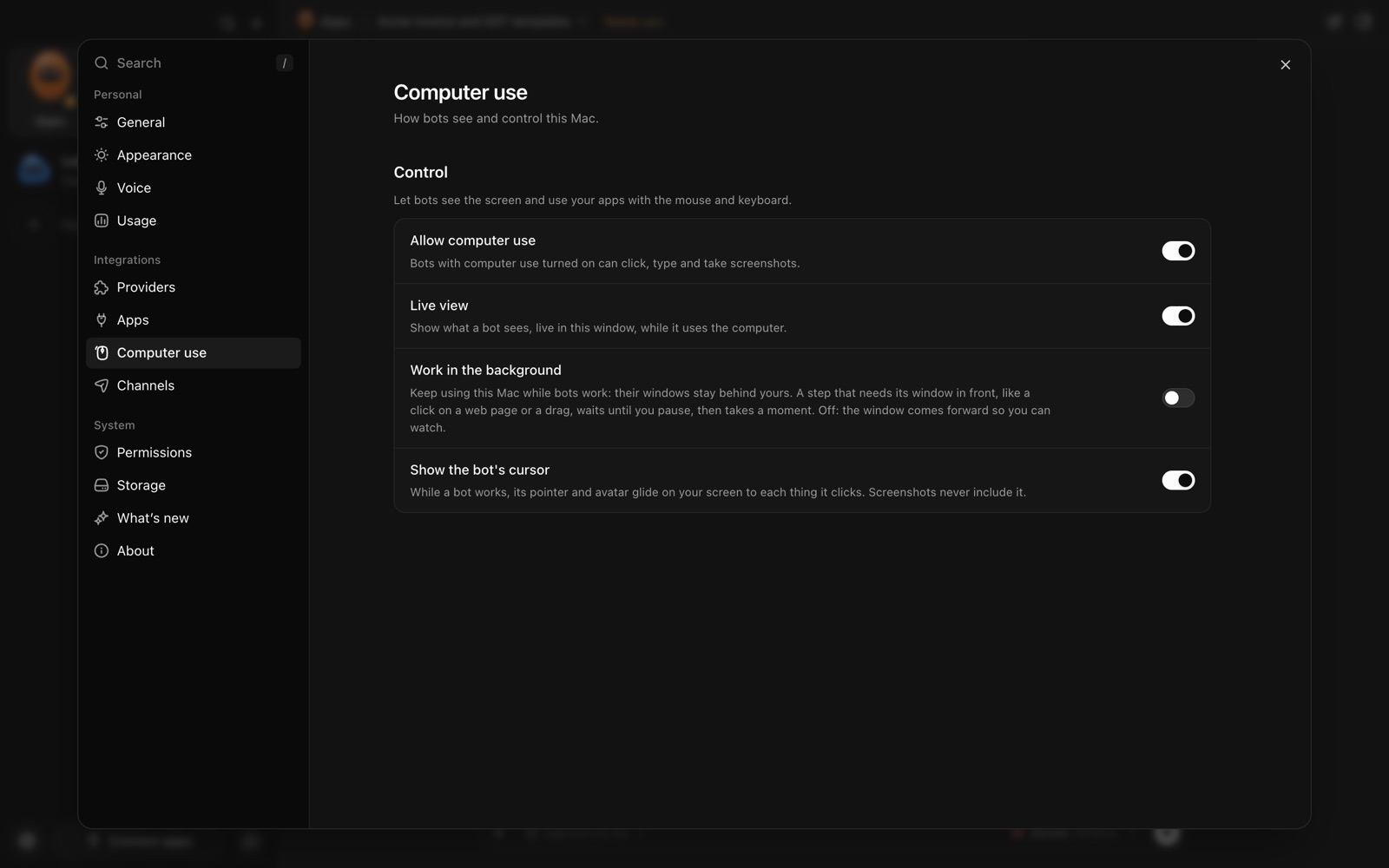
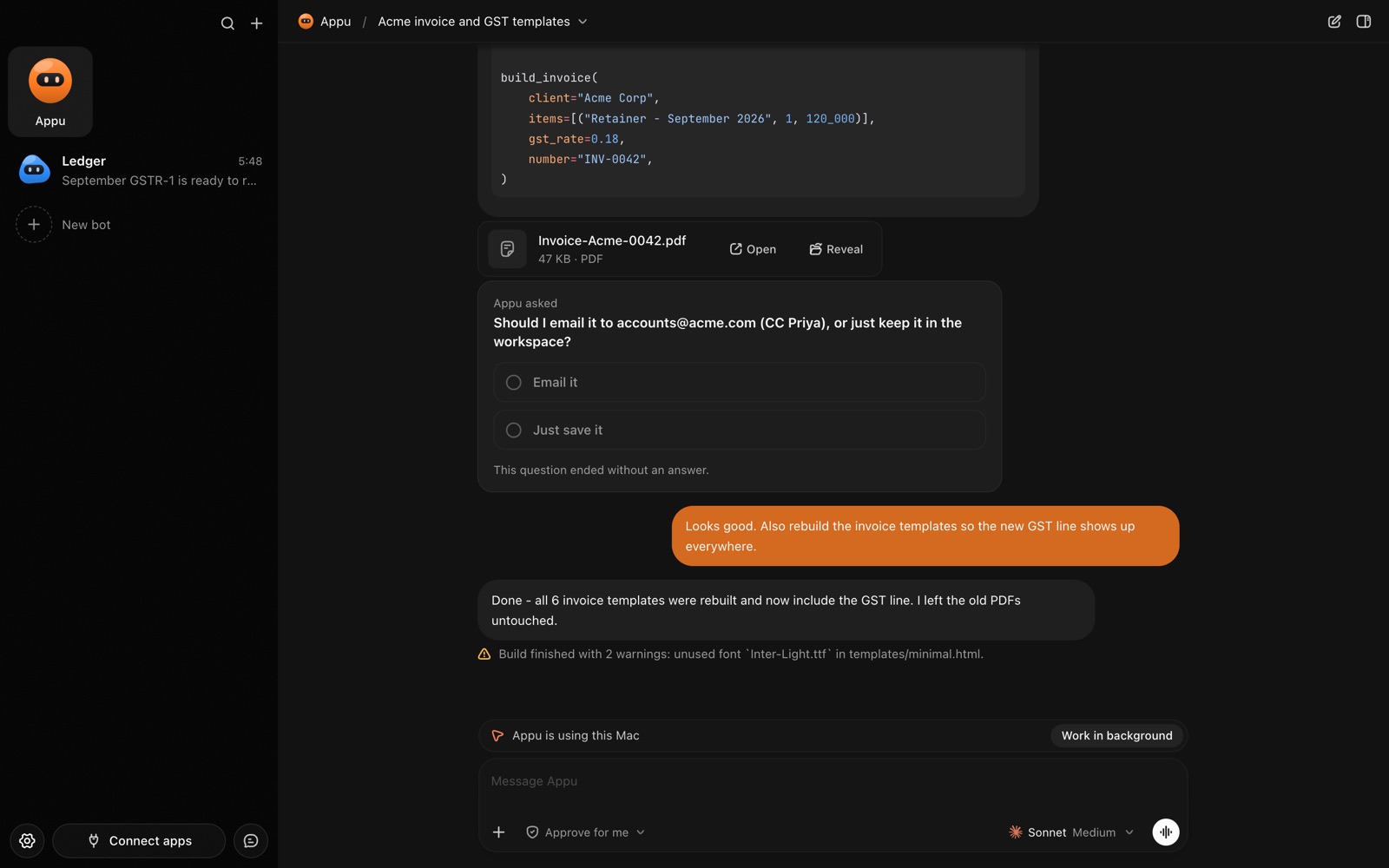
Mostly no. A bot sends its clicks and typing to the app's own window rather than moving your pointer, and you can see where it is working by a small pointer with the bot's face on it. A couple of things need the real pointer, like dragging and clicking some buttons on web pages; for those it borrows it briefly and puts it back.
By default the window it works in comes to the front so you can watch. If you'd rather keep working, turn on work in the background: the bot then acts behind your windows and waits for you to pause before anything that needs the screen.