
What is Cursor's agent?
Cursor is best known as a code editor with AI built in. Its agent is also available from the terminal: Cursor describes it as a way to work with AI agents right from your terminal to write, review and change code, with models from Anthropic, OpenAI, Google, Cursor and others.
That terminal agent is what AppuBot runs. You don't need the editor open; the bot talks to Cursor's agent directly and gives it a name, a job and a place to work.
Which Cursor plan does it use?
Your Cursor account's. Cursor's pricing page lists Free (limited agent requests), Plus ($8 a month), Premium ($30 a month), Super ($100 a month) and Ultra ($200 a month), with more usage on each step up. Your bots' work counts toward that plan like your own agent requests.
If you already pay for Cursor for coding, AppuBot lets that plan do other work too, without a second AI subscription.
How do I set up Cursor in AppuBot?
- Download AppuBot and open it.
- Install Cursor's terminal agent with Cursor's one-line installer (Settings › Agents shows it when it's missing).
- Sign in once with your Cursor account. Cursor opens your browser to do it.
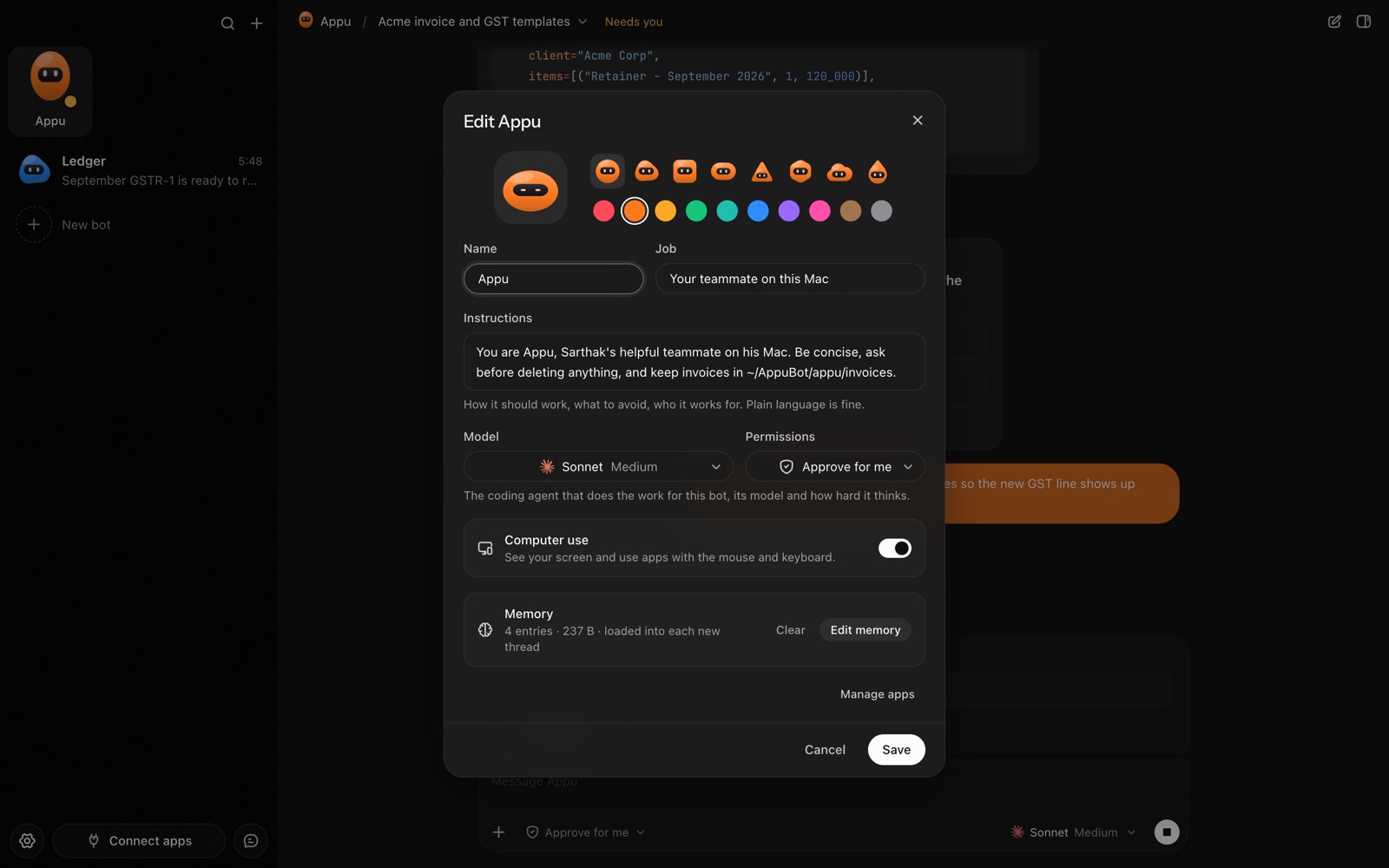
- AppuBot finds the agent and lists Cursor as ready. Pick it for a bot and choose a model.
- Choose how the bot asks: "Approve for me" or "Full access".


