Skip to content

An AI QA tester that clicks through your desktop app

Runs your test script in the real app, screenshots every step and writes up what broke.

By Sarthak Gupta · Updated

The short answer

An AI QA tester in AppuBot is a bot that uses your app the way a person does: it opens the app on your computer, follows your test steps by clicking, typing and scrolling, takes screenshots along the way and reports what didn’t behave as expected, with the step that caused it. It suits desktop apps and web apps in a browser, especially flows that are tedious to script. It complements automated tests rather than replacing them, and with your OK it can file the bugs it finds.

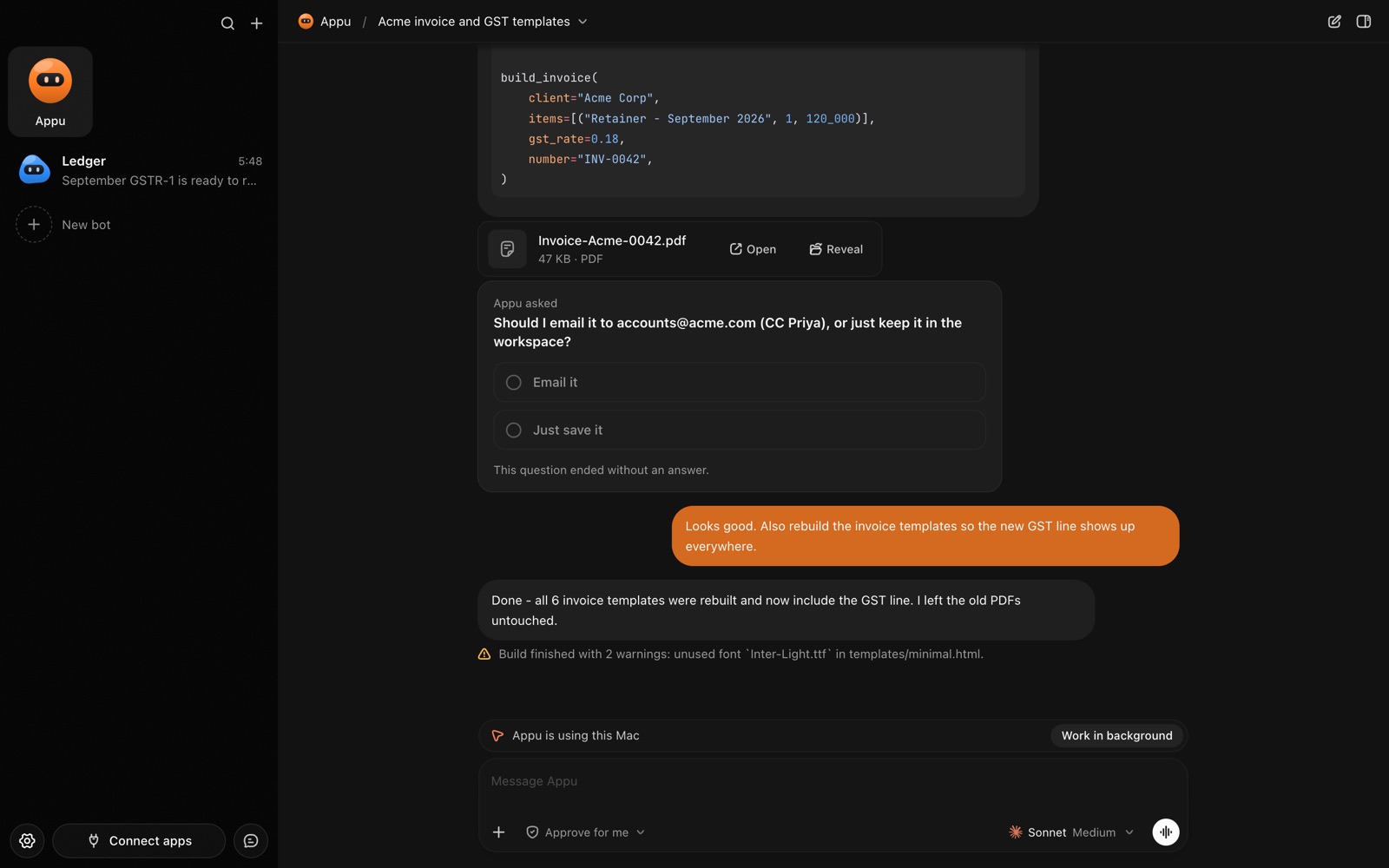
An AppuBot chat while the bot is using the Mac, with a Work in background button
While a bot uses your computer, the chat says so.

What does an AI QA tester do?

  • Smoke tests before a release. Launch the new build, sign in, run the five flows that must never break, report pass or fail.
  • Exploratory passes. "Try to break the export dialog": odd inputs, cancel halfway, very long names.
  • Regression checks. Re-run last month’s bug reports to see they stay fixed.
  • Clear write-ups. Steps to reproduce, expected versus actual, and screenshots attached.
  • Filing. With your approval, it opens issues in GitHub, Linear or Jira.

How does it use the app?

With computer use, the bot looks at the app’s window, finds buttons and fields by their names and acts on them, many steps per turn. It works in the app’s own window and mostly leaves your mouse alone; a small pointer with the bot’s face shows where it clicks, and you can take over at any time. In work in the background mode it acts behind your windows while you keep working, waiting for you to pause before anything that needs the screen. It runs on Mac, Windows and Linux.

How do you set it up?

  1. Install AppuBot, choose the AI, and grant the computer-use permissions it asks for (on a Mac, Accessibility and Screen Recording; see letting AI use your Mac safely).
  2. Make a bot called "QA Tester", job "Clicks through our app before we ship", and turn on computer use for it.
  3. Paste instructions, for example: “Test the app Acme Notes. Use only the test account qa@example.com, never real customer data. For each test, write steps, expected result, actual result and attach a screenshot of any failure. Don’t change settings outside the app. Ask me before filing an issue.”
  4. Write your test script as a plain list in the chat, or press "Teach a task" and run through a flow once while AppuBot watches; it saves it as a skill to repeat.
  5. Connect GitHub, Linear or Jira so it can file issues, with only those on for this bot.
  6. Add a routine, or just message it on Telegram: "new build is up, run the smoke test".

What does it ask before doing?

On "Approve for me" it asks before acting in your accounts (filing an issue, posting in Slack) and before anything important on your computer. Test on a test account and test data, and keep it away from production systems: an AI clicking through an app can do whatever a user could, including deleting things.

A sample release day

TimeBotYou
10:00Opens the new build, runs the smoke stepsKeep working
10:20Reports 2 failures with screenshotsConfirm both are real
10:25Files two issues you approvedAssign them
After the fixRe-runs the two failing flowsShip

Illustrative. How long a pass takes depends on the app, the steps and the AI.

Where scripted tests are better

Code-based UI tests are faster, cheaper per run and deterministic, so they belong in CI for anything you run on every commit. An AI tester shines where scripts are brittle or not worth writing: exploratory checks, apps you don’t control the code of, and quick passes over new screens. It can also misjudge what it sees, so confirm a failure before you act on it.

Questions

Can an AI test a desktop app, not just a website?

Yes. Computer use works with apps on your Mac, Windows or Linux computer by looking at the window and clicking and typing in it.

Does it replace automated tests?

No. Keep code-based tests for every commit; use the bot for exploratory and pre-release checks that are hard to script.

Will it take over my mouse?

Mostly not: it works inside the app’s window, and in background mode it waits for you to pause before anything that needs the screen. A few actions, like drags, briefly use the real pointer.

Can it file bugs?

Yes, with GitHub, Linear or Jira connected, and on "Approve for me" it asks before filing each one.

Meet your first bot

An AI teammate that works on your Mac, and tells you on Telegram