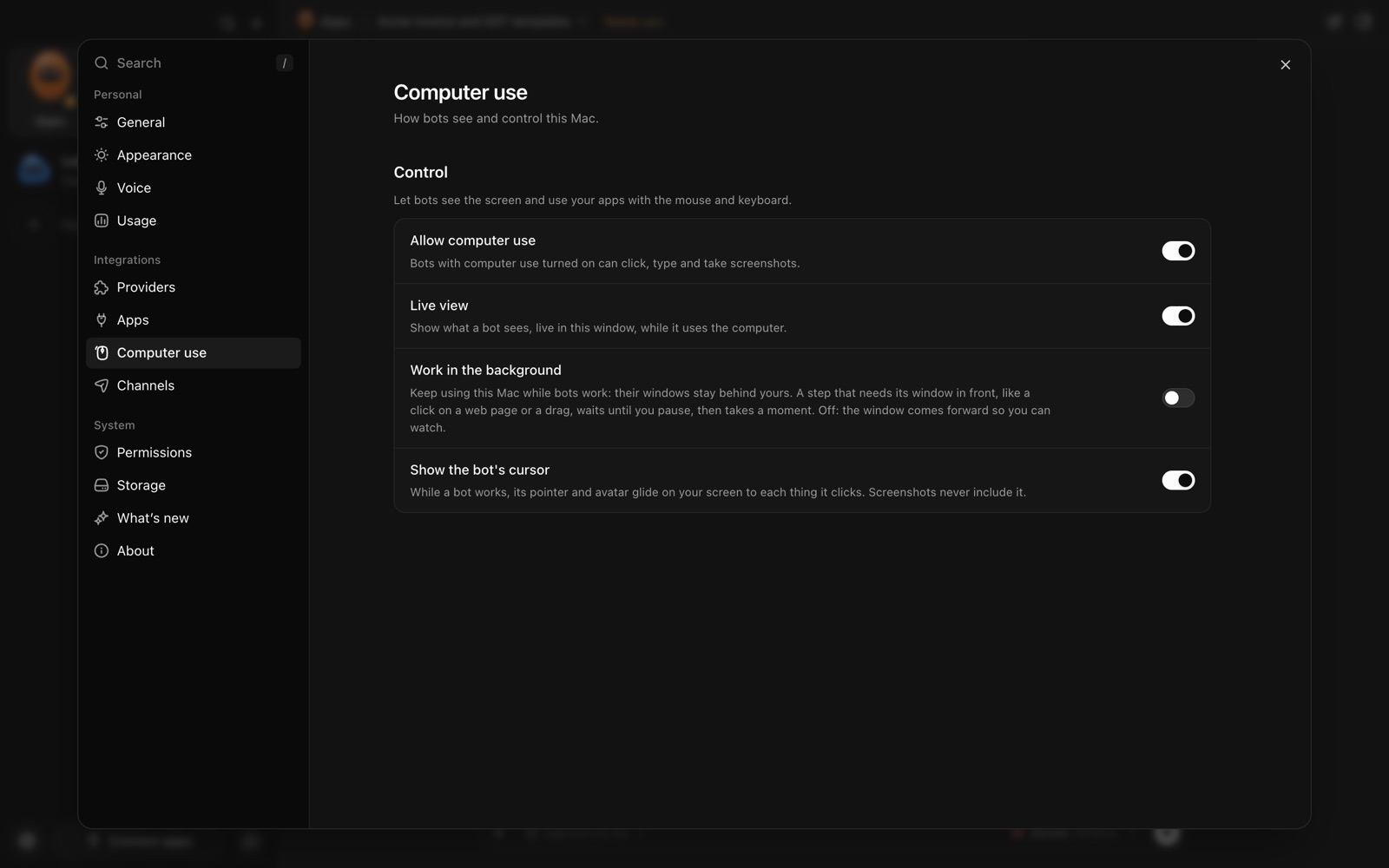
What does "AI using your Mac" mean?
It’s usually called computer use: an AI agent looks at a window (a screenshot, often plus the list of buttons and fields macOS exposes for accessibility), decides what to do, then clicks, types or scrolls, and looks again. It lets an agent work in apps that have no other way in, like a desktop accounting program, but it also means the agent can do anything you could do in those apps.
Which macOS permissions are involved?
| Permission | Where | What it allows |
|---|---|---|
| Accessibility | System Settings › Privacy & Security › Accessibility | Controlling your Mac through accessibility features: clicking, typing, reading elements on screen |
| Screen & System Audio Recording | System Settings › Privacy & Security › Screen & System Audio Recording | Seeing and recording the screen (and, if allowed, audio) |
Apple warns that an app with Accessibility access can also reach information like your contacts and calendar, that what it collects is governed by that app’s own terms, and to grant access only to apps you know and trust.
What can go wrong?
- Ordinary mistakes. The agent clicks the wrong row, overwrites a cell or sends a half-finished message.
- Misleading content. Text on a web page, in an email or inside an image can contain instructions. Anthropic’s computer-use documentation warns that its model may follow such instructions even when they conflict with yours, and recommends isolating agents from sensitive data and actions.
- Too much reach. An agent signed into your bank, password manager or admin consoles can act there too.
- An untrusted app. The permissions go to the app, not the AI. A careless app with Accessibility access is a risk whether or not an AI is involved.