Skip to content

An AI chief of staff that keeps your bots on task

Watches your calendar, your inbox and your other bots, and sends you one summary a day.

By Sarthak Gupta · Updated

The short answer

An AI chief of staff in AppuBot is a bot that sees the whole picture for you: it can read your other bots’ chats, notice what stalled or is waiting on you, check your calendar and mail, and send you one daily summary with the decisions you need to make. It can also set up a new bot or adjust another bot’s setup when work changes, always asking first for anything that grants more power. You stay in charge; it keeps track.

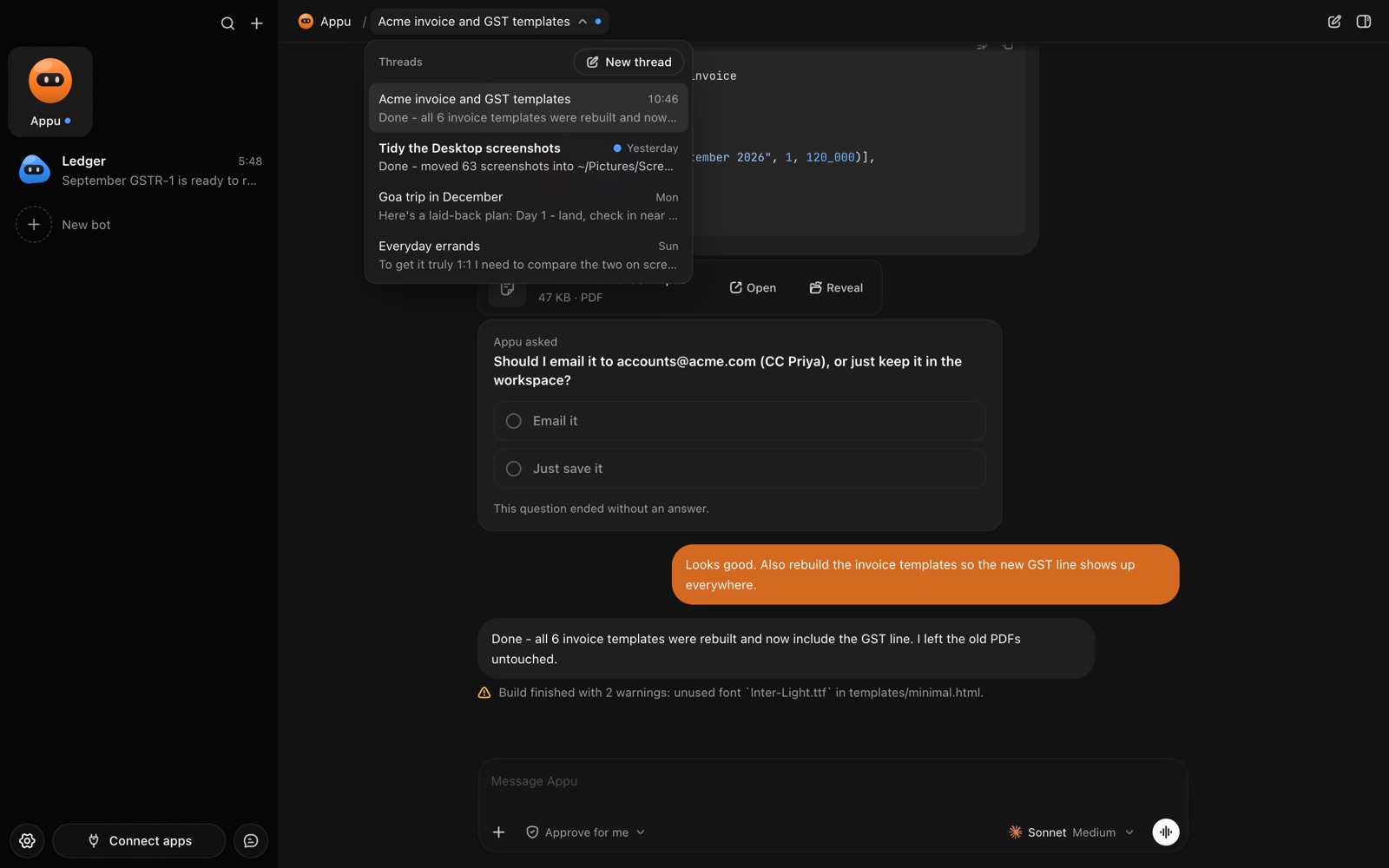
AppuBot with a bot’s chats listed
Each bot keeps its own chats, memory and skills.

What does an AI chief of staff do?

  • One daily brief. Today’s meetings with a line of context each, what’s waiting on you, and what your bots finished overnight.
  • Watching the other bots. It reads their chat history to see which jobs finished, which stalled and which are stuck on a question for you.
  • Fixing setups. If the Inbox Manager keeps asking the same thing, it can propose an instruction change, and apply it once you allow it.
  • Making new bots. "We’re hiring" can become a Recruiter bot, created with your OK and set up with a job and instructions.
  • Prep and follow-up. Before a meeting, a short brief; after it, a list of follow-ups drafted for you.

Which apps does it work in?

Google Calendar, Gmail or Outlook, and wherever your team talks, such as Slack or Microsoft Teams, through connected apps. A task tool like Notion, Asana or Linear helps it keep a list. And unlike the others, its most important source is AppuBot itself: it can list your bots, see how each is set up and read their chats.

How do you set it up?

  1. Install AppuBot and choose the AI. A capable model helps here, since it reads a lot.
  2. Make a bot called "Chief of Staff", job "Keeps me and the other bots on task".
  3. Paste instructions, for example: “Every morning, read what each of my bots did since yesterday and list: done, stuck, waiting on me. Add today’s meetings with one line each. Keep the brief under 15 lines. Suggest fixes to other bots’ instructions but never change them or create a bot without asking. Don’t send email for me.”
  4. Connect Calendar, mail and your task tool, with only those on for this bot.
  5. Add a routine: “Weekdays at 7:45, send me the daily brief.”
  6. Connect Telegram so the brief is on your phone before you sit down.

What does it ask before doing?

Changes that grant power always wait for your "Allow": turning on computer use or an app for a bot, giving one full access, moving it to another AI, creating a bot, or changing another bot’s name, job or instructions. You see the full change before you approve it. On "Approve for me" it also asks before acting in your accounts, like sending a message or adding a calendar event. Reading, listing and summarising run freely.

A sample week

WhenBotYou
Weekdays 7:45Daily brief: meetings, waiting on you, bots’ progressTwo decisions over coffee
TuesdayNotices the QA bot stalled on a login promptAnswer it in that bot’s chat
WednesdayProposes a clearer instruction for the Inbox ManagerAllow
FridayWeek in review and next week’s calendar crunchMove one meeting

Does it need the other bots?

No. With none, it’s a capable personal assistant for calendar, mail and planning. It becomes more useful as you add bots, because someone has to watch them, and with several memory-keeping bots it can tell you who already knows what.

Questions

What is an AI chief of staff?

It’s an assistant bot that tracks your priorities, calendar and other bots’ work and turns it into one short brief with the decisions you need to make.

Can it create or change other bots?

Yes, but only with your OK: creating a bot, changing another bot’s instructions or granting more access all wait for your "Allow".

Can it talk to my team?

It can post in Slack or Teams when connected and you approve. Many people keep it to reporting to them only.

How is it different from the inbox manager?

The inbox manager works through email; the chief of staff looks across your calendar, tasks and other bots and decides what deserves your attention.

Meet your first bot

An AI teammate that works on your Mac, and tells you on Telegram