Skip to content

An AI inbox manager that drafts and sorts for you

Reads your mail, drafts replies in your voice and leaves you a short list of what truly needs you.

By Sarthak Gupta · Updated

The short answer

An AI inbox manager is a bot that goes through your email for you: it sorts and archives what doesn’t need you, drafts replies in your voice, and leaves a short list of the messages that do, each with one line of context. In AppuBot it works with Gmail or Outlook as connected apps, or in the Mail app on your computer, and on "Approve for me" it asks before sending anything. You decide what it may archive, label or answer.

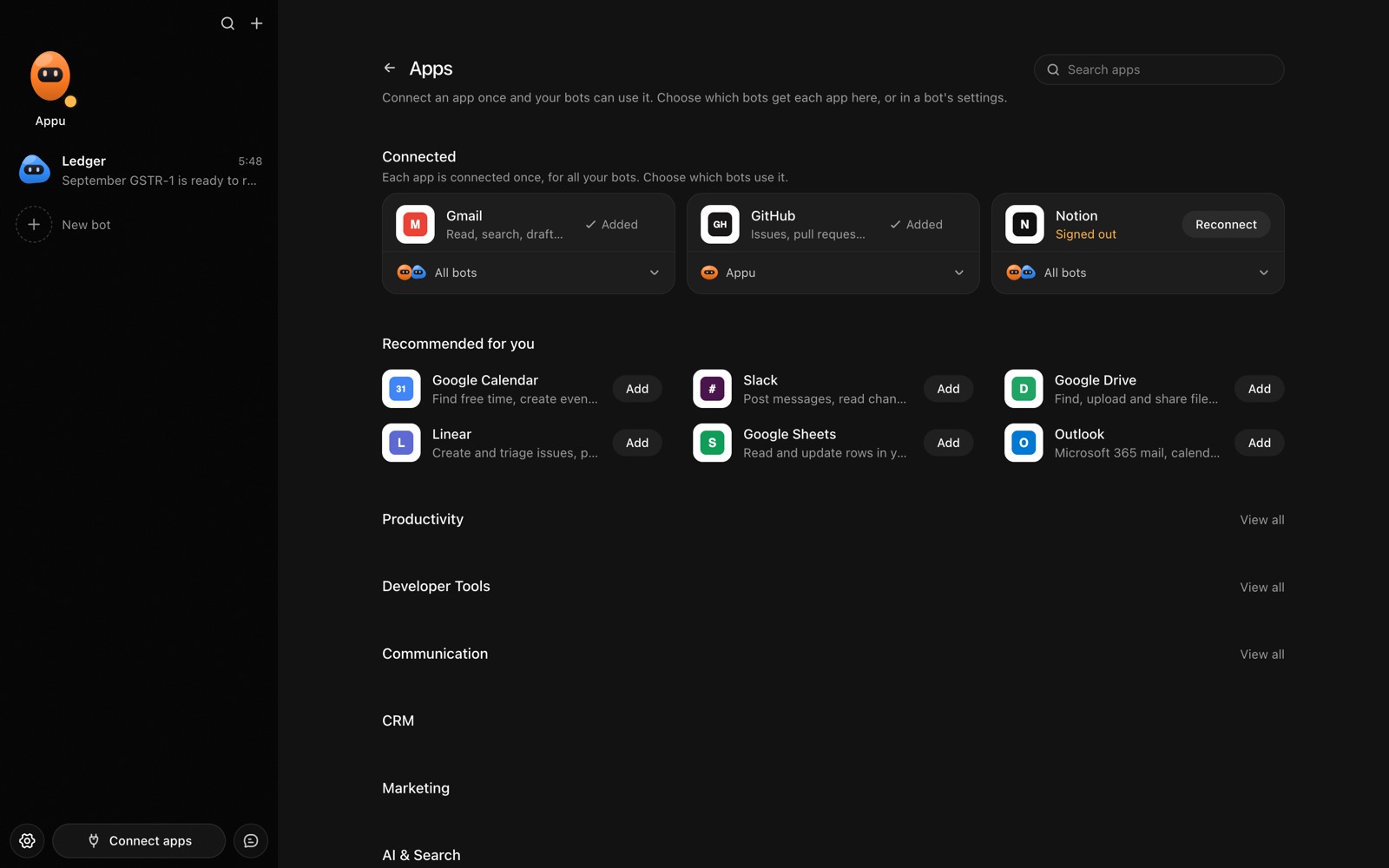
The Apps page in AppuBot with Gmail, GitHub and Notion connected and more apps to add
Connect an app once, then choose which bots may use it.

What does an AI inbox manager actually do?

The work of an inbox is mostly triage. For every message you decide: ignore, file, answer quickly, or think about it. A bot can make the first pass at all four, so the time you spend in email goes to the replies that matter.

  • Sorts. Newsletters, receipts, notifications and cold pitches get a label or go to the archive, following rules you write.
  • Drafts. For routine replies (scheduling, "thanks, received", sending a document) it writes a draft in your tone and leaves it in Drafts or shows it to you.
  • Summarises. It gives you a short list: who wrote, what they want, by when, and the draft if there is one.
  • Follows up. It notices threads where you’re waiting on someone and drafts a nudge after the number of days you set.
  • Finds things. "What did the landlord say about the deposit?" gets you the answer and the message.

Which apps does it work in?

Connect Gmail or Outlook under connected apps and the bot can read, label, draft and (with your OK) send. Add Google Calendar so it can offer real free times when someone asks to meet, and Slack if you want the summary there. If you use another mail service, computer use lets it work in the Mail app or your webmail directly.

How do you set it up?

  1. Install AppuBot and choose the AI it uses.
  2. Make a bot called "Inbox Manager" with the job "Keep my inbox at zero every evening".
  3. Give it instructions, for example: “I’m a freelance designer. Archive newsletters, shipping updates and anything from no-reply addresses. Label invoices Finance. Draft replies to clients in a warm, short style, signed Sam. Never send, delete or unsubscribe without asking me. Anything about money, contracts or deadlines goes on my list.”
  4. Connect Gmail or Outlook (and Calendar if you like) and turn on only those for this bot.
  5. Keep it on "Approve for me" so sending waits for you.
  6. Add a routine for weekdays at 17:30: “Triage today’s mail and send me the list.”
  7. Connect Telegram to approve drafts from your phone with one tap.

What does it ask before doing?

Acting in your accounts is exactly what "Approve for me" holds back: when the bot wants to send a reply, it shows you the message and waits. Reading and searching don’t need a yes. Your instructions can add more stops, such as asking before archiving anything from a person rather than a service. If you later trust it with a narrow kind of reply, you can say so in its instructions, but many people keep sending as a human decision.

A sample day

TimeBotYou
9:00Morning list: 4 messages need you, 2 drafts readyApprove one draft, edit the other
Through the dayAnswers "find that email" questions on TelegramAsk from your phone
17:30Archives the notifications, drafts replies, lists open questionsTen minutes of real replies

Illustrative only. Results depend on your mail, your rules and the AI you use.

How does it learn your voice?

Point it at a few of your sent emails and tell it what you like and don’t. It keeps what it learns, like your sign-off or that you never use exclamation marks, in a memory you can read and correct. When a draft is off, say why; the next one starts from that.

Questions

Will an AI inbox manager send emails without me?

Not on "Approve for me": it asks before sending, and you can make that a rule in its instructions too. Full access exists, but most people keep email on approvals.

Does it work with Gmail and Outlook?

Yes. Both are connected apps you sign in to once, and the bot can also work in a desktop mail app through computer use.

Is my email read by AppuBot?

AppuBot itself holds nothing on its servers. The bot runs on your computer, and the messages it reads go to the AI provider you picked, as when you paste an email into that AI yourself.

Can it handle several inboxes?

Usually yes, if each account is connected; tell it in its instructions how to treat each one. You can also make one bot per inbox.

Meet your first bot

An AI teammate that works on your Mac, and tells you on Telegram