Where do you get it?
- iPhone and iPad. AppuBot on the App Store. It needs iOS 16.4 or later.
- Android. AppuBot on Google Play.
- Your computer. The phone app needs AppuBot on a computer to talk to: download it for Mac, Windows or Linux.
How do you pair your phone?
- On the computer, open AppuBot and sign in to your AppuBot account in Settings › Account. Sign in on the phone too, with Google, Apple or your email.
- On the computer, open Settings › Devices and press Pair a phone. A QR code and a six-digit code appear, and they last five minutes.
- On the phone, open AppuBot and tap Scan QR code, or tap Enter code instead and type the six digits.
- Your bots appear on the phone. Up to three devices can be paired with one computer.
What can you do from the phone?
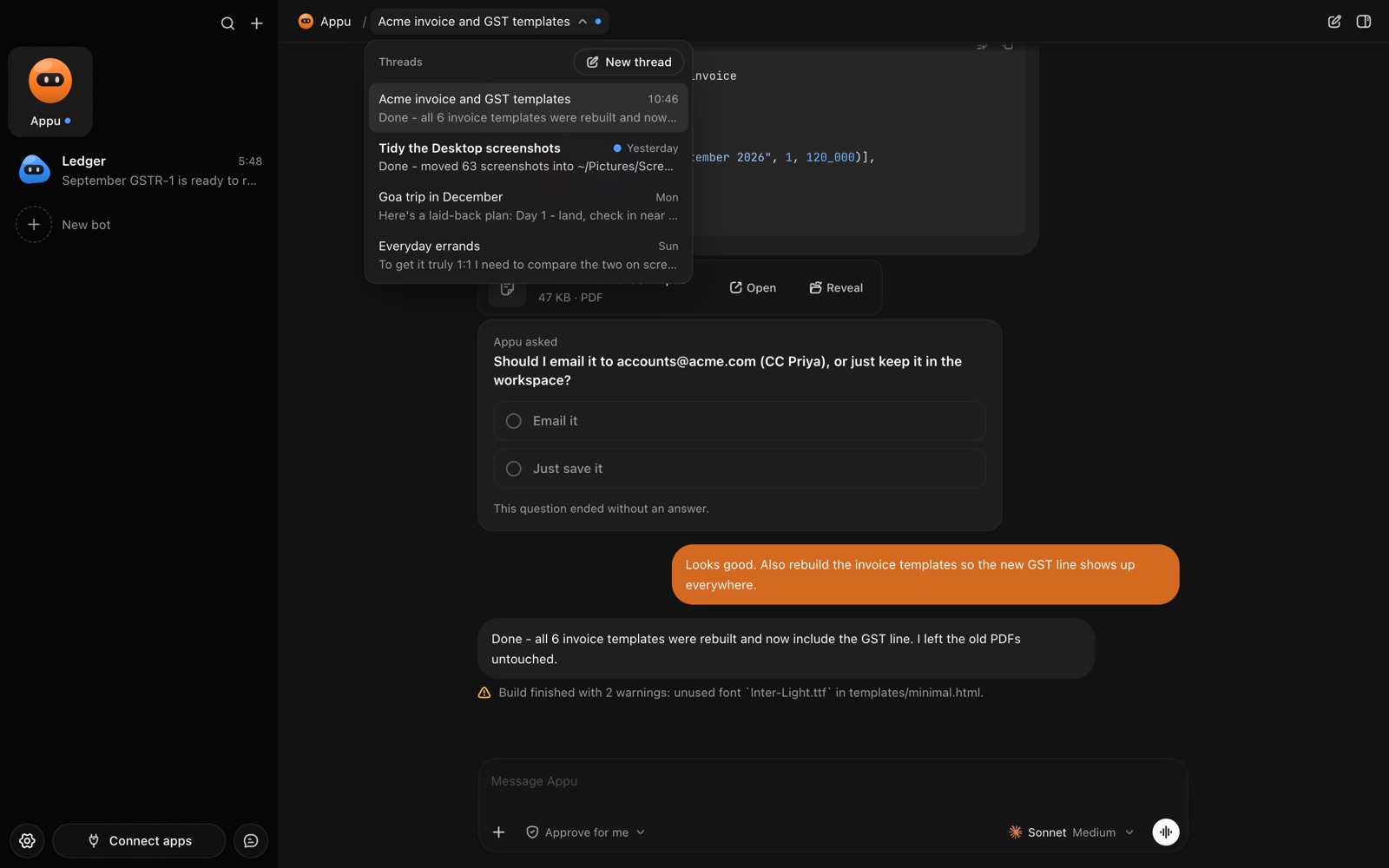
- Chat. Every bot’s threads, a new thread when you want one, and a way to stop a bot mid-task.
- Approve and answer. Approvals and questions come up in the chat as they happen.
- Files. Send photos, camera shots and files, and get back what the bot made.
- Voice. Talk to a bot in voice mode.
- Watch the screen. See the computer’s screen while a bot with computer use works, and take over if you need to.
- Settings. Change a bot’s model and permissions, edit its memory and routines, and connect apps.
- Notifications. Hear from your bots with the app closed.