
What can a bot do in Trello?
Trello is easy to start and easy to let go stale. A bot can keep cards in the right list and tell you what has been sitting there.
- Create cards. Add a card from a message, a note or an email, with a title, description and due date.
- Move cards. Shift finished work to Done and new requests to the first list.
- Set dates and members. Add due dates and assign cards to the people you name.
- Add checklists. Break a card down into steps and tick them off as you say they are done.
- Summarise a board. Report what is in each list and what is overdue.
- Find cards. Locate the card about a client or a topic without scrolling.
What can you ask a bot to do in Trello?
These are the kinds of requests that work well. Type them in the app, or send them from your phone on Telegram.
- "Add a card to Content Calendar: write launch post, due Thursday."
- "What is overdue on the Hiring board?"
- "Move everything in Review that I marked as approved to Done."
- "Add a checklist to the Website card with the five steps I just listed."
- "Give me a one-paragraph status of the Q4 board."
How do you connect Trello to AppuBot?
- Open AppuBot on your computer.
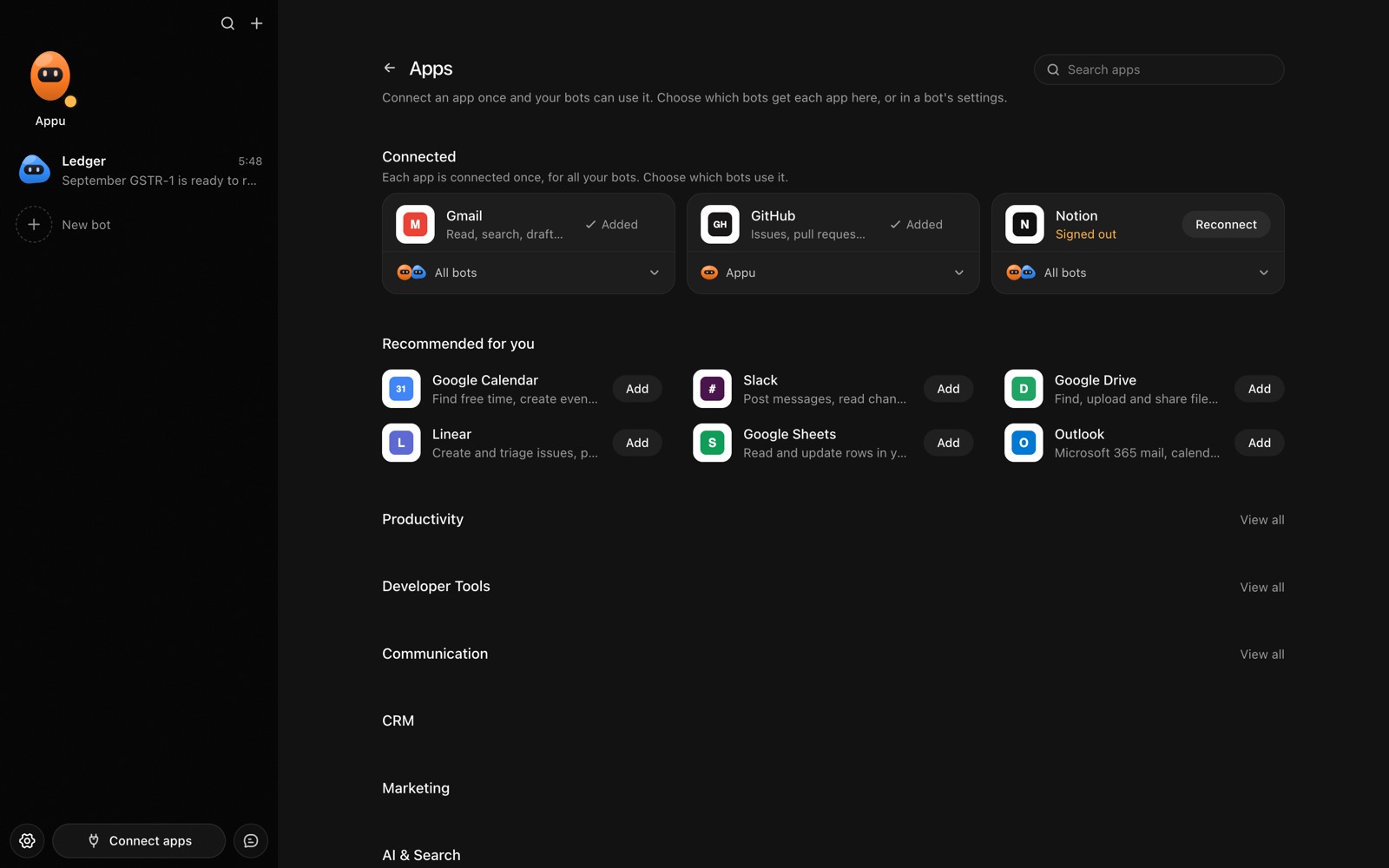
- Click Connect apps in the sidebar to open the Apps page.
- Sign in once in your browser. This links AppuBot to your own account for connected apps, and you only do it the first time.
- Find Trello on the page and connect it. Your browser opens Trello's own sign-in and consent screen, and you approve it there.
- Switch Trello on for the bots that may use it. Each bot has its own switch, so a bot you did not choose never touches it.
The same Apps page lists about 1,700 other apps. Connecting one app once makes it available to every bot you allow.
Will it ask before it changes things in Trello?
Creating, moving and assigning cards changes boards other people look at, so on "Approve for me" the bot checks first. Reading boards and cards goes ahead.
This follows the bot's permission choice. On "Approve for me" the bot asks before it acts in your account, and it waits as long as you take. Reads and searches go ahead without a question. On "Full access" it acts without asking, so keep that for bots you trust with the app. More in Approvals.