
What can a bot do in Discord?
Communities on Discord move fast, and the people running them rarely have time to read everything. A bot can keep up and draft the replies and announcements.
- Summarise channels. Report the main themes and questions from a busy day.
- Find messages. Locate a past answer you want to reuse.
- Draft announcements. Write a release or event post for you to review.
- Draft replies. Prepare answers to common questions for you to approve.
- Spot feedback. Collect bug reports and feature requests from a channel into a list.
- Track mentions. List where you or your project were mentioned.
What can you ask a bot to do in Discord?
These are the kinds of requests that work well. Type them in the app, or send them from your phone on Telegram.
- "Summarise #general since yesterday."
- "Collect every bug report from #feedback this week into a list."
- "Draft an announcement for the new release and show it to me first."
- "Find where someone asked about the Windows installer."
- "What questions came up more than once today?"
How do you connect Discord to AppuBot?
- Open AppuBot on your computer.
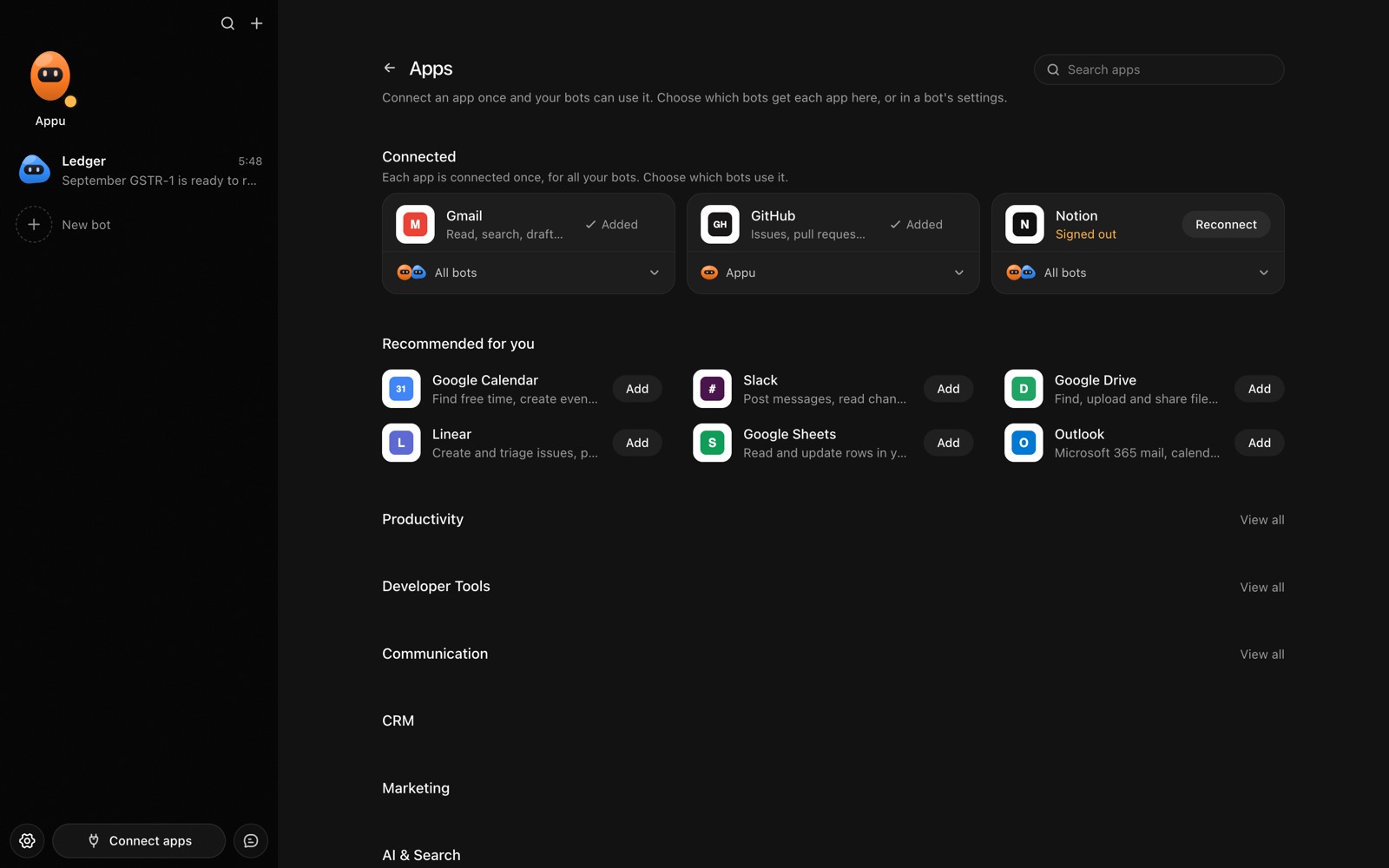
- Click Connect apps in the sidebar to open the Apps page.
- Sign in once in your browser. This links AppuBot to your own account for connected apps, and you only do it the first time.
- Find Discord on the page and connect it. Your browser opens Discord's own sign-in and consent screen, and you approve it there.
- Switch Discord on for the bots that may use it. Each bot has its own switch, so a bot you did not choose never touches it.
The same Apps page lists about 1,700 other apps. Connecting one app once makes it available to every bot you allow.
Will it ask before it changes things in Discord?
Posts in a server are public to its members and hard to take back, so on "Approve for me" the bot shows you the text and the channel first. Reading and summarising go ahead.
This follows the bot's permission choice. On "Approve for me" the bot asks before it acts in your account, and it waits as long as you take. Reads and searches go ahead without a question. On "Full access" it acts without asking, so keep that for bots you trust with the app. More in Approvals.