
What can a bot do in Dropbox?
Dropbox is often where contracts, photos and client files end up. A bot can find the right one and keep new ones in order.
- Find files. Search by name, folder or what a document is about.
- Read and answer. Open a file and pull out the figure, date or clause you need.
- Upload. Save files you send the bot into the folder you name.
- Organise. Sort a folder into sub-folders by client, year or type.
- Report. List big or old files so you can decide what to clear.
- Hand over files. Fetch a file so the bot can attach it to a message or send it on Telegram.
What can you ask a bot to do in Dropbox?
These are the kinds of requests that work well. Type them in the app, or send them from your phone on Telegram.
- "Find the signed NDA for Brightline."
- "Upload this photo to Clients/Orchard/Site visit."
- "What is in the Taxes 2025 folder?"
- "List the ten biggest files in my Dropbox."
- "Send me the latest brochure PDF here in the chat."
How do you connect Dropbox to AppuBot?
- Open AppuBot on your computer.
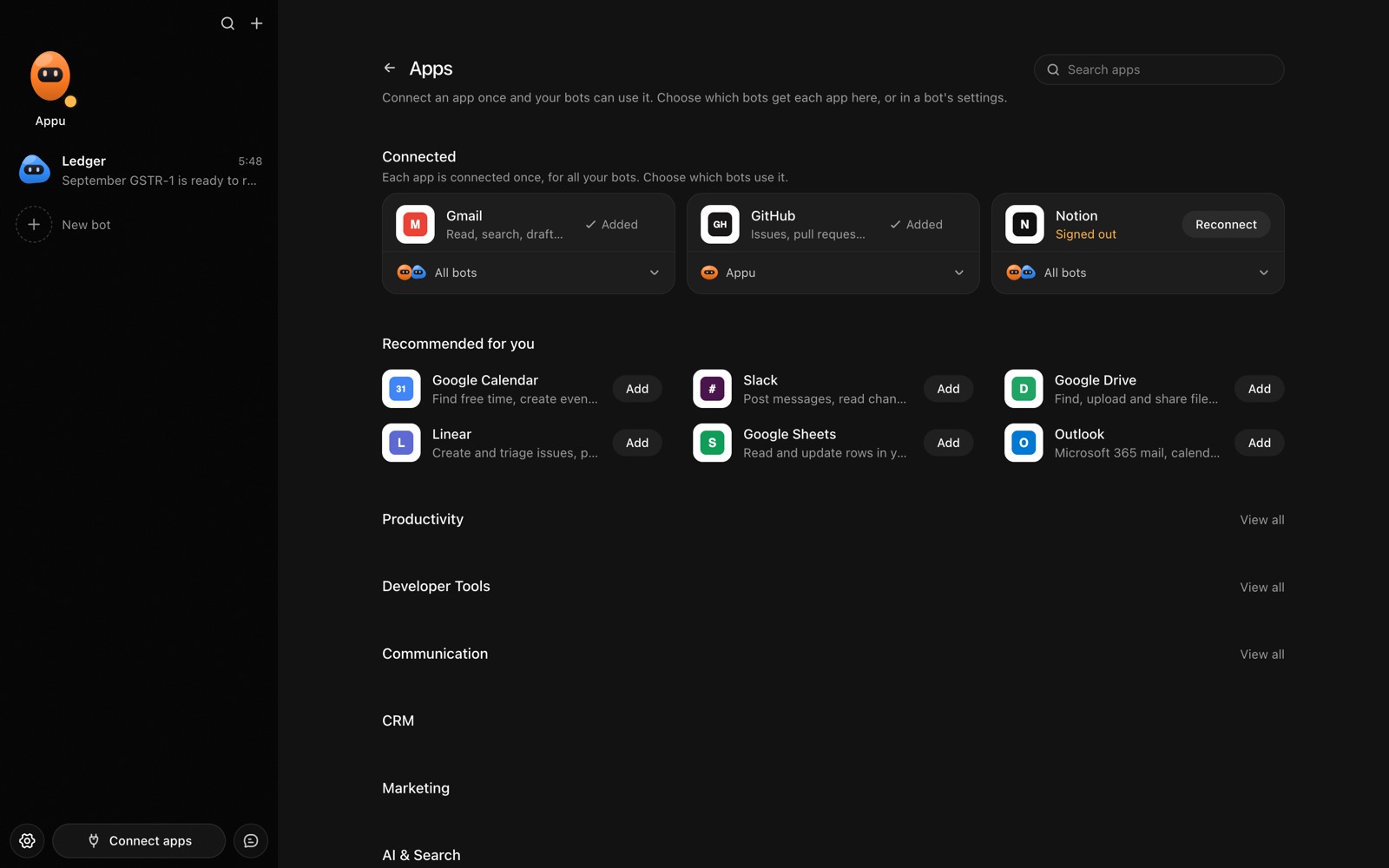
- Click Connect apps in the sidebar to open the Apps page.
- Sign in once in your browser. This links AppuBot to your own account for connected apps, and you only do it the first time.
- Find Dropbox on the page and connect it. Your browser opens Dropbox's own sign-in and consent screen, and you approve it there.
- Switch Dropbox on for the bots that may use it. Each bot has its own switch, so a bot you did not choose never touches it.
The same Apps page lists about 1,700 other apps. Connecting one app once makes it available to every bot you allow.
Will it ask before it changes things in Dropbox?
Uploading, moving, renaming, deleting and sharing change your account, and sharing affects who can see a file, so on "Approve for me" the bot asks first. Searching and reading go ahead.
This follows the bot's permission choice. On "Approve for me" the bot asks before it acts in your account, and it waits as long as you take. Reads and searches go ahead without a question. On "Full access" it acts without asking, so keep that for bots you trust with the app. More in Approvals.