
What can a bot do in Microsoft Teams?
Teams collects chats, channels and meetings in one place, and the volume adds up. A bot can read what you missed and propose what to say.
- Catch you up. Summarise a channel or a chat after a day away.
- Find messages. Locate who mentioned a deadline or shared a file.
- Draft replies. Write an answer for you to approve before it goes out.
- Post updates. Send a status note to a channel after you approve the text.
- Pull action items. List commitments made in a chat and who owns them.
- Prepare for meetings. Gather the recent chat on a topic before a call.
What can you ask a bot to do in Microsoft Teams?
These are the kinds of requests that work well. Type them in the app, or send them from your phone on Telegram.
- "Summarise what happened in the Project Atlas channel today."
- "Who shared the pricing file last week?"
- "Draft a reply to the vendor chat saying we need the quote by Friday."
- "List action items from yesterday's planning chat."
- "What did I miss in the Support channel overnight?"
How do you connect Microsoft Teams to AppuBot?
- Open AppuBot on your computer.
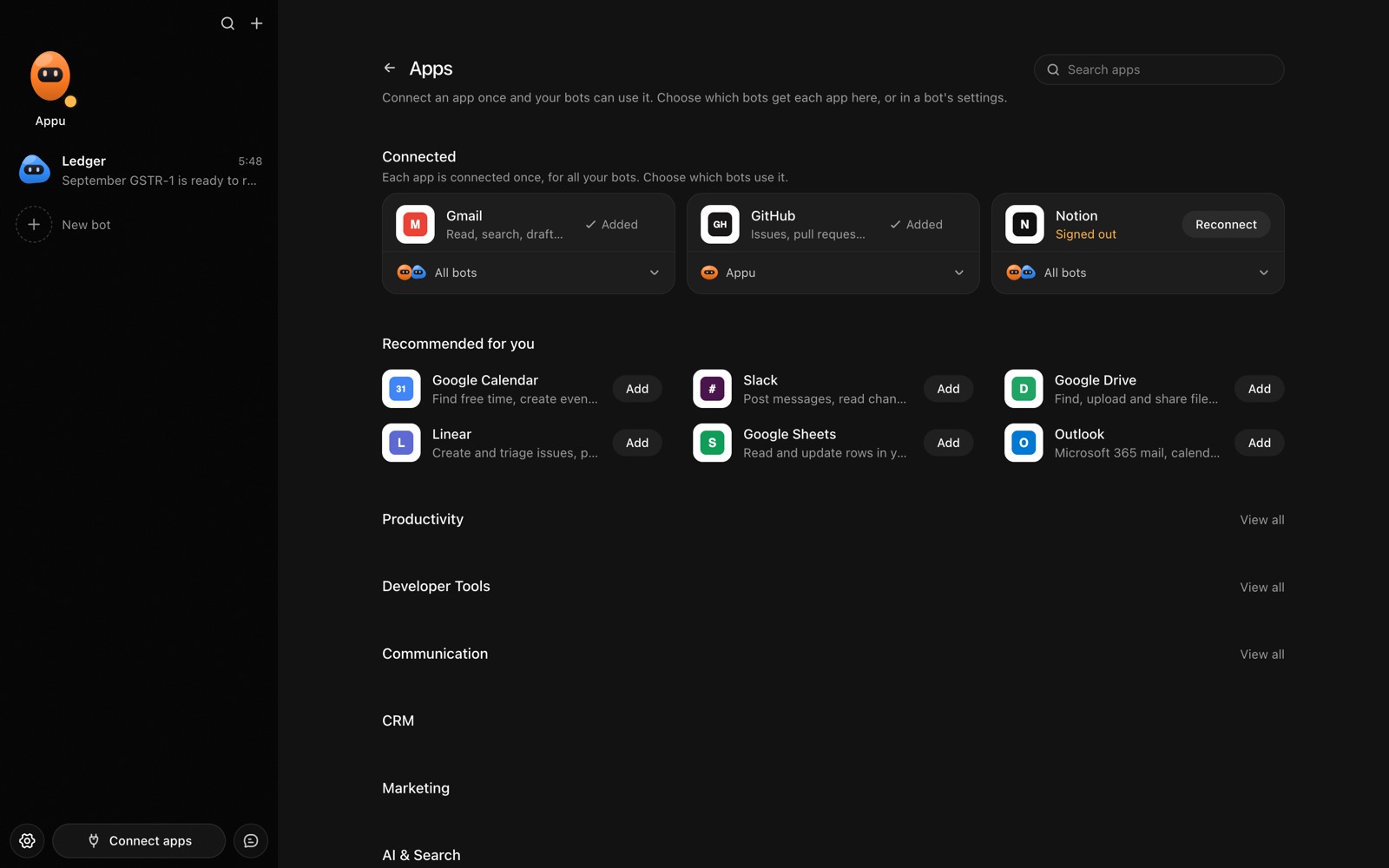
- Click Connect apps in the sidebar to open the Apps page.
- Sign in once in your browser. This links AppuBot to your own account for connected apps, and you only do it the first time.
- Find Microsoft Teams on the page and connect it. Your browser opens Microsoft Teams's own sign-in and consent screen, and you approve it there.
- Switch Microsoft Teams on for the bots that may use it. Each bot has its own switch, so a bot you did not choose never touches it.
The same Apps page lists about 1,700 other apps. Connecting one app once makes it available to every bot you allow.
Will it ask before it changes things in Microsoft Teams?
Posting in Teams is visible to your colleagues, so on "Approve for me" the bot shows you the message and where it goes before it sends. Reading chats and searching go ahead.
This follows the bot's permission choice. On "Approve for me" the bot asks before it acts in your account, and it waits as long as you take. Reads and searches go ahead without a question. On "Full access" it acts without asking, so keep that for bots you trust with the app. More in Approvals.