
What can a bot do in Stripe?
Stripe is where money arrives, and questions about it come at awkward times: did this customer pay, why did this charge fail. A bot can answer from your account in seconds.
- Look up a payment. Find a charge by customer, amount or date and say whether it succeeded.
- Explain failures. Look at a failed payment and say what the reason was.
- Find customers. Show a customer's subscriptions, invoices and payment history.
- Report revenue. Summarise payments for a period, grouped by product or plan.
- List invoices. Show which invoices are open or overdue.
- Prepare the books. Export a period's payments to a sheet for accounting.
What can you ask a bot to do in Stripe?
These are the kinds of requests that work well. Type them in the app, or send them from your phone on Telegram.
- "Did Orchard Studio pay their invoice from last week?"
- "Why did this customer's payment fail?"
- "List all open invoices older than 30 days."
- "Summarise payments for September by plan."
- "Show me the last five refunds."
How do you connect Stripe to AppuBot?
- Open AppuBot on your computer.
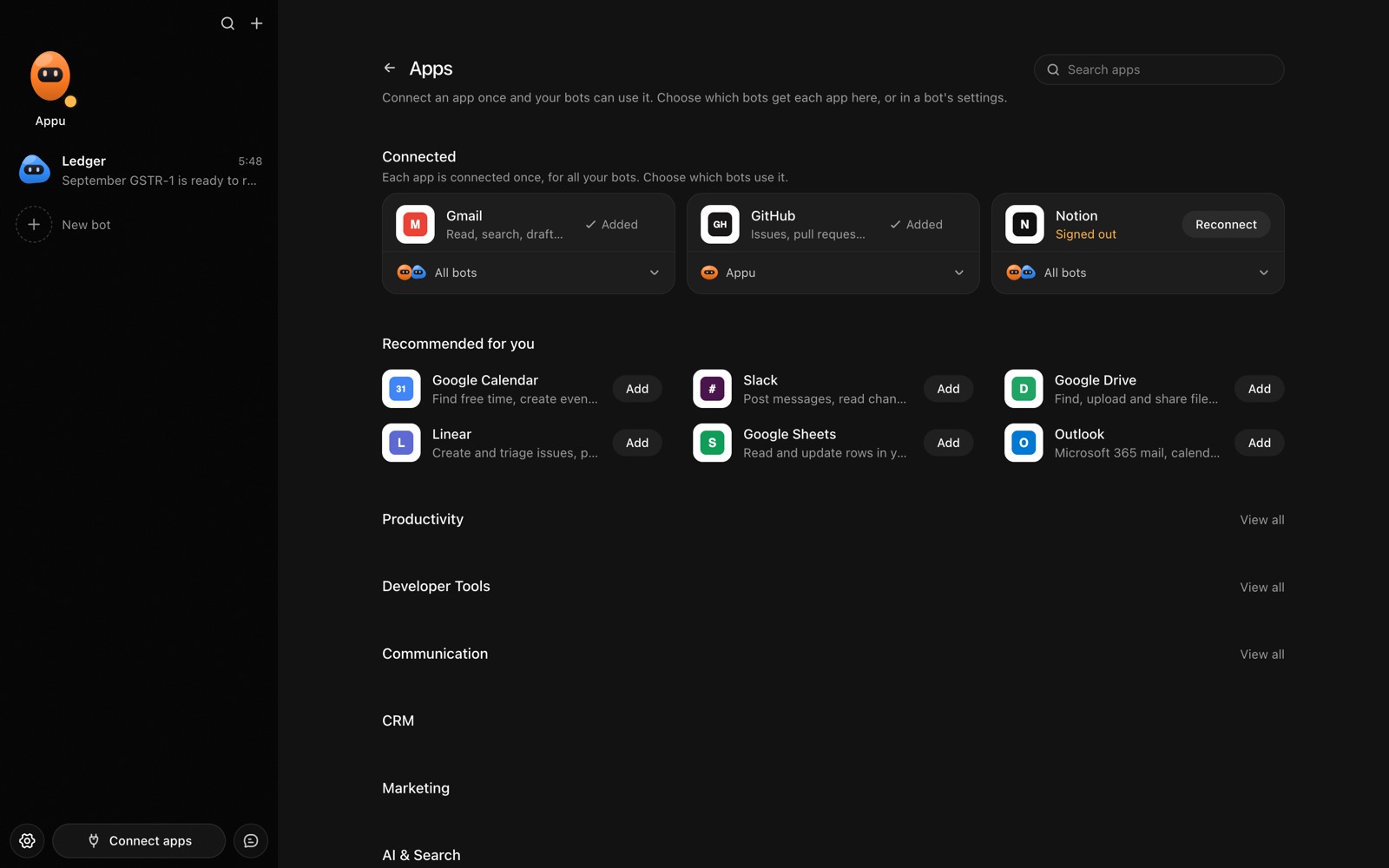
- Click Connect apps in the sidebar to open the Apps page.
- Sign in once in your browser. This links AppuBot to your own account for connected apps, and you only do it the first time.
- Find Stripe on the page and connect it. Your browser opens Stripe's own sign-in and consent screen, and you approve it there.
- Switch Stripe on for the bots that may use it. Each bot has its own switch, so a bot you did not choose never touches it.
The same Apps page lists about 1,700 other apps. Connecting one app once makes it available to every bot you allow.
Will it ask before it changes things in Stripe?
Anything that moves money or changes billing, such as refunds, invoices and subscription changes, needs your approval on "Approve for me", and you see the amount and customer first. Looking up payments goes ahead.
This follows the bot's permission choice. On "Approve for me" the bot asks before it acts in your account, and it waits as long as you take. Reads and searches go ahead without a question. On "Full access" it acts without asking, so keep that for bots you trust with the app. More in Approvals.